

GET /v1/models, the same list the API prices and charges from. Agents: read prices and ids from there, never from memory, and copy ids exactly as listed. Each model page shows the date its price was last checked.
List every model
Price one exact request
Which model should I use?
Send the default id when you have no preference. It runs the model Summer tests first for that job, and it moves when a better one passes.3D models
Textured GLB models from a prompt or a picture. Ask for a rig and animations on the same job. Output: GLB.Text to 3D

Hunyuan 3D Pro (default)

Rodin 2.5 Fast

Tripo H3.1

Hunyuan 3D Rapid

Rodin 2.5 High

Hunyuan3D v3
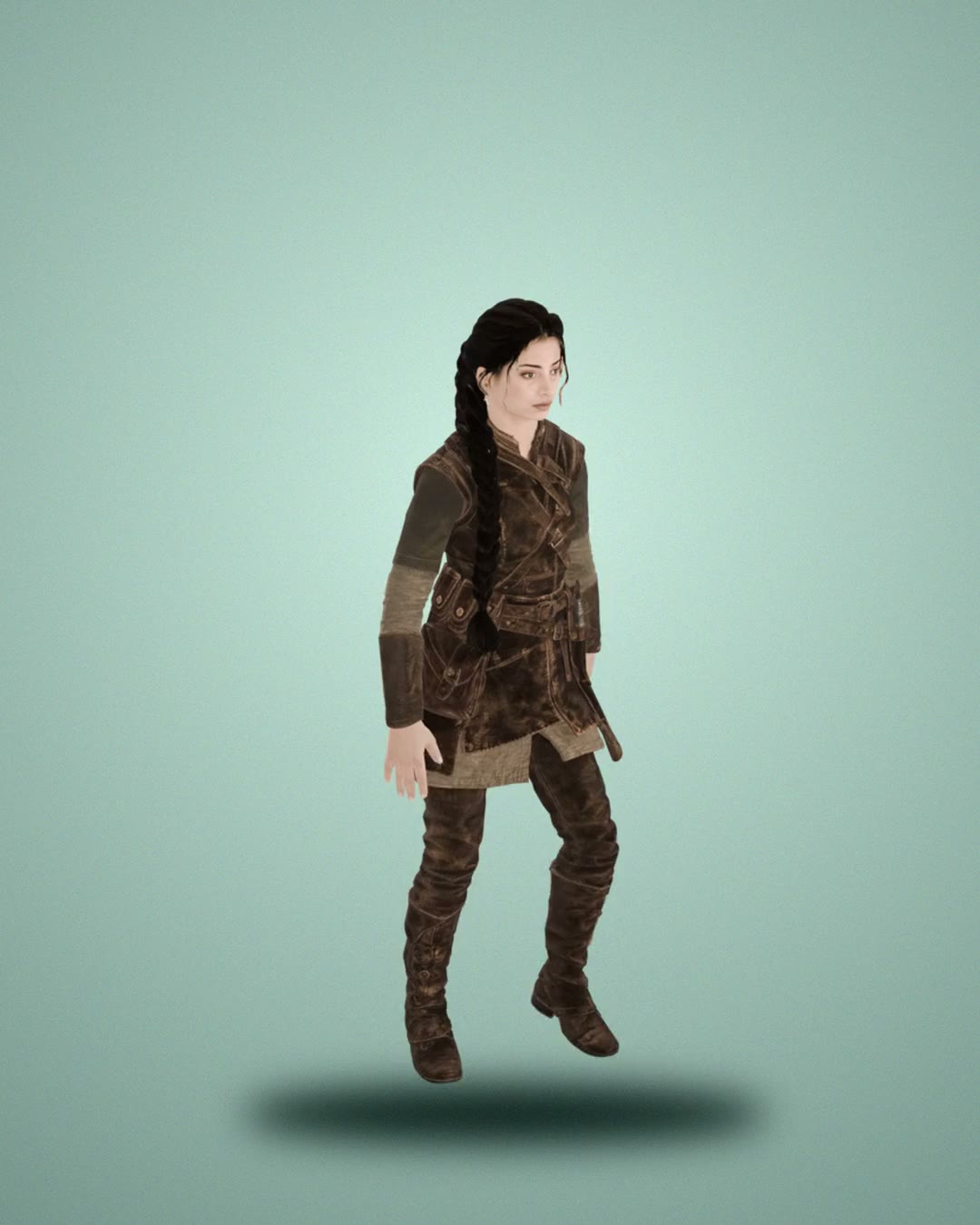
Meshy 6

Tripo P2
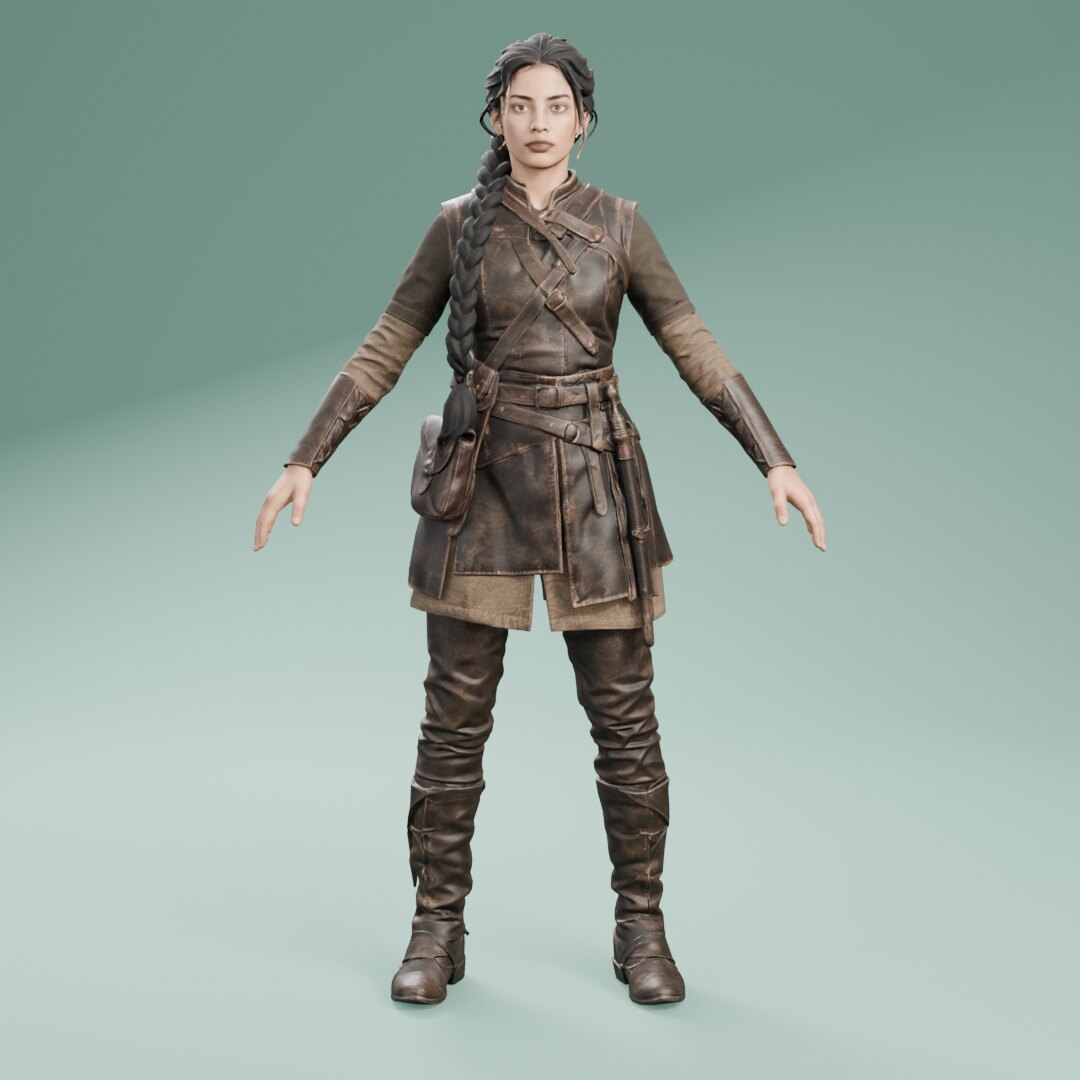
Meshy 7.1
Picture to 3D
Hunyuan 3D Pro (default)
Rodin 2.5 Fast
Tripo H3.1
Hunyuan 3D Rapid
Pixal3D
Trellis 2
Rodin 2.5 High
Hunyuan3D v3
Tripo P1
Meshy 6
Tripo P2
Meshy 7.1
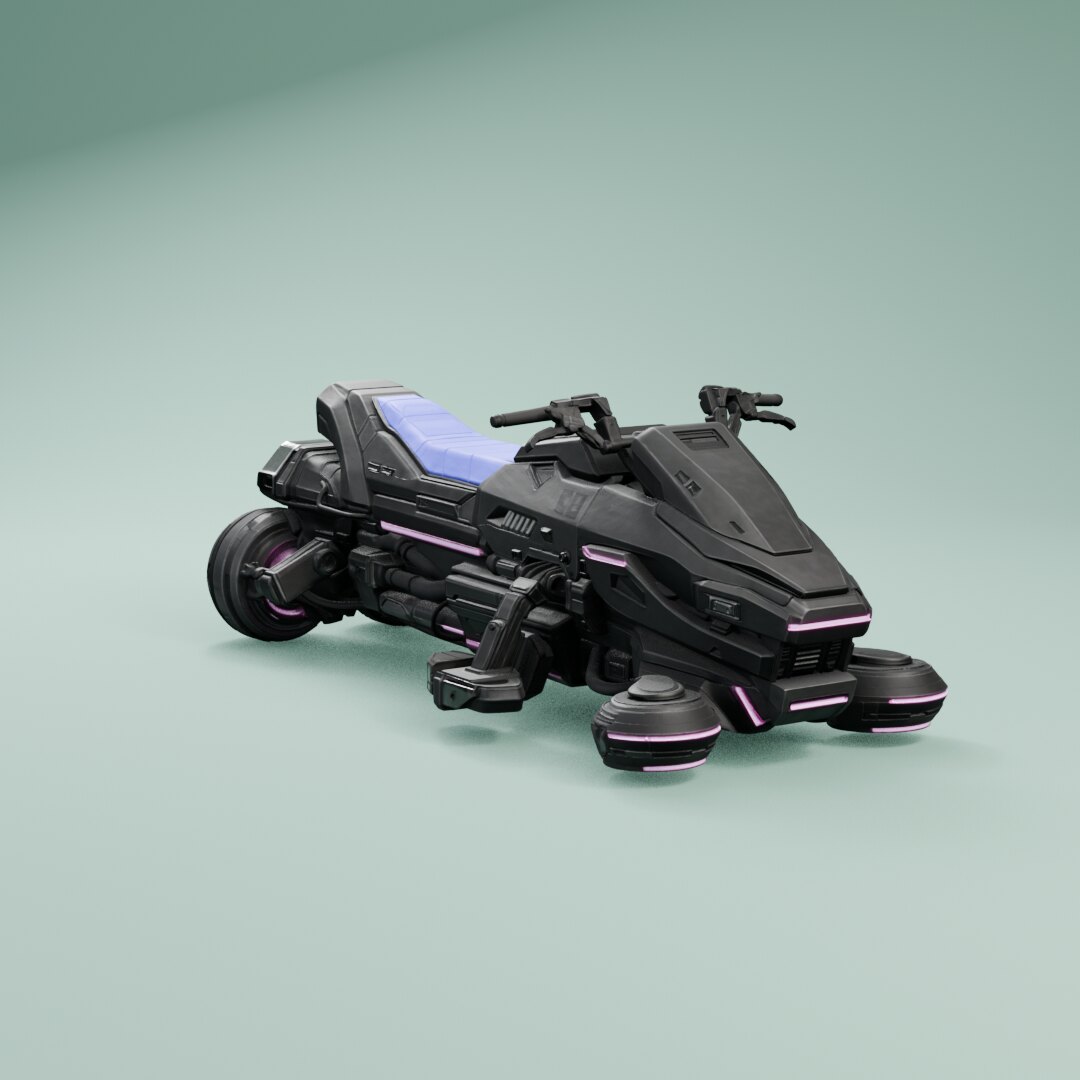
Hi3D V3.0
Several pictures to 3D
TRELLIS Multi-image
Rodin 2.5 Fast
Tripo H3.1
Rodin 2.5 High
Hunyuan3D v2 Multi-view Turbo
Hunyuan3D v2 Multi-view
Hunyuan3D v3
Meshy 6
Meshy 7.1
Hi3D V3.0
Some options change the price (
kind, rig, topology). Each model page lists them.
Images
Concept art, sprites, textures, icons and key art. Optional transparent background. Output: PNG, JPG, WEBP.Text to image

Nano Banana 2 Lite (default)

Grok Imagine 2

FLUX 3 Klein

Muse Image
Grok Imagine
Recraft V4.1
Nano Banana 2.1
FLUX 3
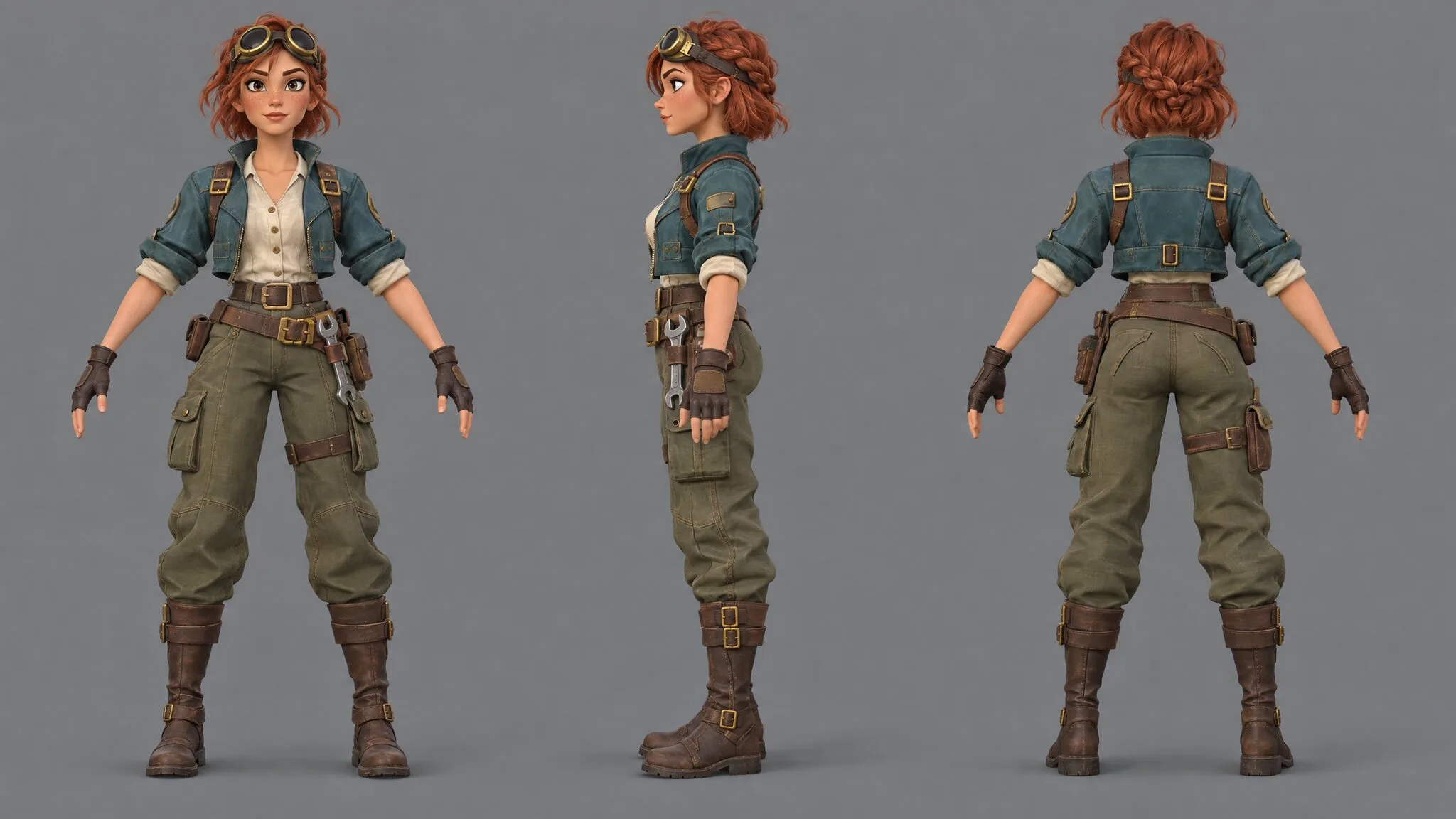
GPT Image 2.5
Ideogram 3 Transparent
Ideogram 4.5
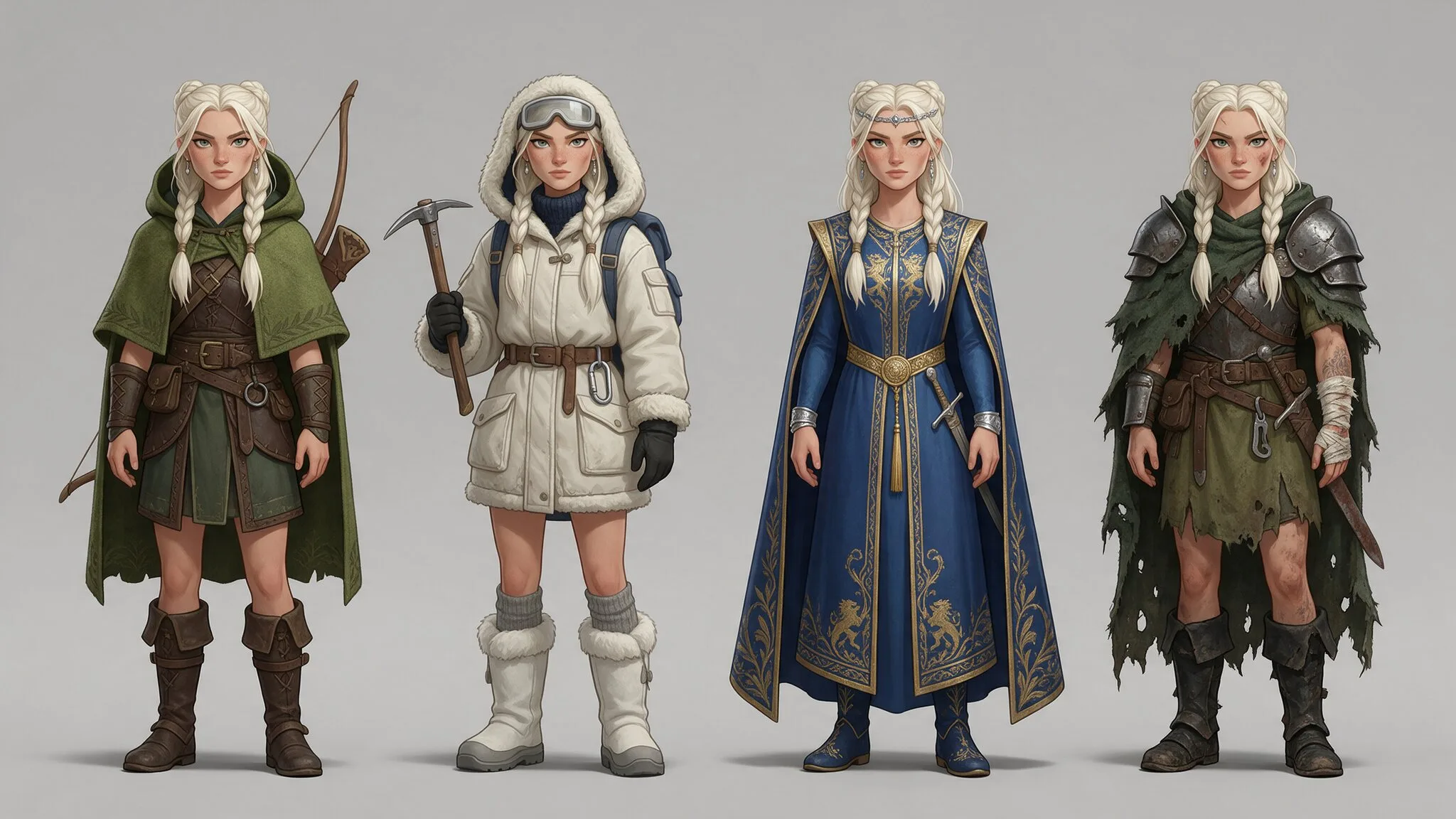
Seedream 5.0 Pro
Ideogram Vector

GPT Image 2
Edit a picture
Nano Banana 2 Lite (default)
Grok Imagine 2
FLUX 3 Klein
Muse Image
Nano Banana 2.1
FLUX 3
GPT Image 2.5
Seedream 5.0 Pro
GPT Image 2
Some options change the price (
removeBackground, referenceImageUrl). Each model page lists them.
Video
Trailer shots, cutscenes and animated key art, from a prompt or a picture. Output: MP4.Text to video

Kling 3.0 Standard (default)
Gemini Omni Flash

Kling 3.0 Pro
HeyGen Video
MiniMax H3 Max Turbo
Grok Imagine Video 1.5 Lite

Veo 3.1 Lite

PixVerse V6

MiniMax H3 Max

Gemini Omni Flash 1.1

Wan 3.0

LTX-2.5 Pro

Grok Imagine Video 1.5

HappyHorse 1.1

Veo 3.1 Fast

Vidu Q3 Pro
Kling 4.0

Luma Ray 3.2

Seedance 2.0 Fast

Veo 3.1

Seedance 2.5
Picture to video
Kling 3.0 Standard (default)
Gemini Omni Flash
Kling 3.0 Pro
HeyGen Video
MiniMax H3 Max Turbo
Grok Imagine Video 1.5 Lite
Veo 3.1 Lite
PixVerse V6
Vidu Q4
MiniMax H3 Max
Gemini Omni Flash 1.1
Wan 3.0
LTX-2.5 Pro
Grok Imagine Video 1.5
HappyHorse 1.1
Veo 3.1 Fast
Vidu Q3 Pro
Kling 4.0
Luma Ray 3.2
Seedance 2.0 Fast
Veo 3.1
Seedance 2.5
References to video
Seedance 2.0 Fast
HeyGen Video References
MiniMax H3 Max References
Gemini Omni Flash 1.1 References
Wan 3.0 References
Gemini Omni Flash
HappyHorse 1.1 References
Grok Imagine Video 1.5 References
Kling 4.0 References
Seedance 2.5 References
Veo 3.1 Reference
Edit a video
MiniMax H3 Max Reframe
Gemini Omni Flash 1.1
Gemini Omni Flash
Motion transfer
Kling 3.0 Motion Control
Kling 3.0 Motion Control Pro
Video to sound
ThinkSound
Kling Video to Audio
Some options change the price (
imageUrl, resolution). Each model page lists them.
Voice
Character lines and narration from text. Output: MP3.
Expressive v3 (default)
Multilingual v2
HeyGen Voice Turbo
Inworld TTS-1.5 Max
HeyGen Voice

xAI TTS

Gemini 3.8 Flash Lite TTS
Expressive v4 Turbo
Flash v2.5

Gemini 3.8 Flash TTS
Gemini 3.1 Flash TTS
Qwen Audio 3.0 TTS
MiniMax Speech 2.8 Turbo
Qwen3 TTS 0.6B
Expressive v4
Qwen3 TTS 1.7B
Qwen3 TTS Voice Design
MiniMax Speech 2.8 HD
Seed Audio 1.0
Dialogue
Several characters talking, in one file. Output: MP3.
Expressive v3 (default)
Sound effects
Hits, footsteps, pickups, UI clicks and loops from a description. Output: WAV.Sound Effects v2 (default)

Sonilo SFX 1.1
Mirelo SFX 2.0
Stable Audio 3 SFX
Music
Level, menu and combat music from a description. Output: MP3.
Music v2 (default)
MiniMax Music 3
Music v1
Music v2.5
MiniMax Music v2
Lyria 2
Motion
Animations for a rigged character: a move from words, or clips from a curated library. Output: FBX, GLB.Text to motion

Hunyuan Motion Fast
Hunyuan Motion
Motion library
Meshy animation library (default)
How the price works
- Per unit. A price is per model, image, clip or sound, or per second or per 1,000 characters. The model page says which input field counts the units.
- Rounded here, exact in the API. This page rounds for reading. The model page shows the exact list price, and the API returns it as a decimal string in US dollars.
- Failed jobs are free. Most jobs are charged when they succeed. A job that is charged when it starts, such as a video, is refunded in full when it fails.
- One balance. Every model draws from your paid Summer credits: your plan’s credits and your top-ups. Each connected app can also have its own spend limit: see sign-in and limits.
The JSON
GET /v1/models answers one object. Each model carries its price in the same scheme: unit (call, output_second, 1k_characters), price for one unit as a decimal string in US dollars, quantityField (the input field that counts the units), and modifiers (input values that replace the price or add to it). datedId records which price check a model follows; a job may send it, and it runs the current model. Here is the default 3D model as it is listed, with its inputSchema cut to two fields:
GET /v1/models